HELP CENTER
Checking a vehicle's location in real time
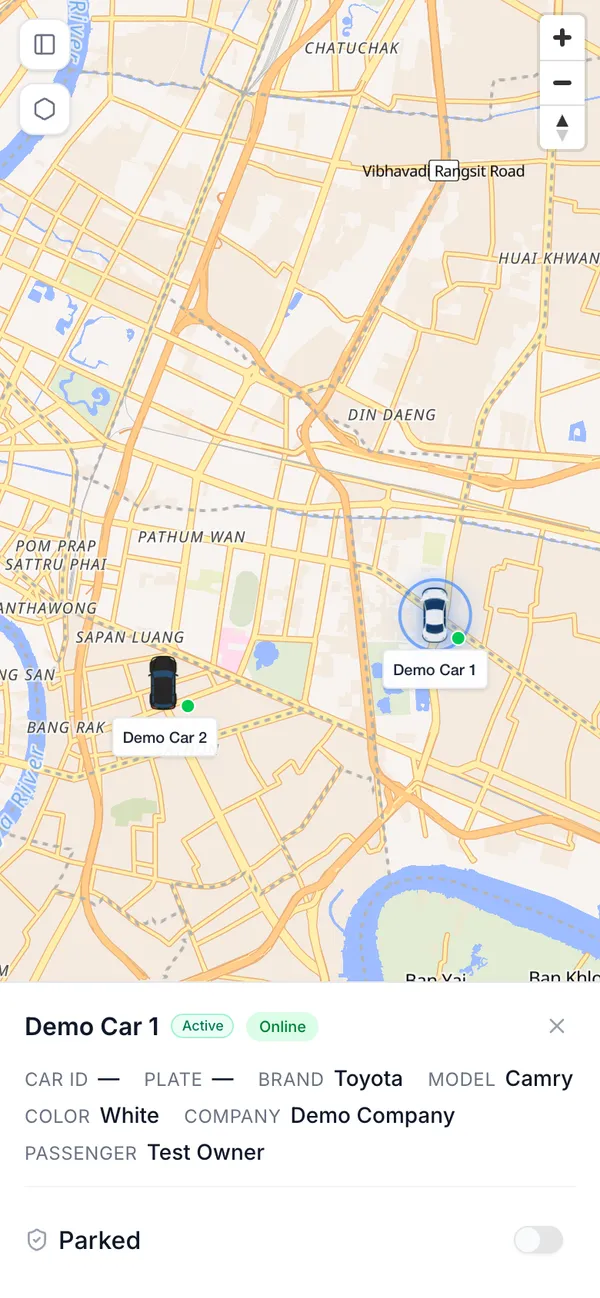
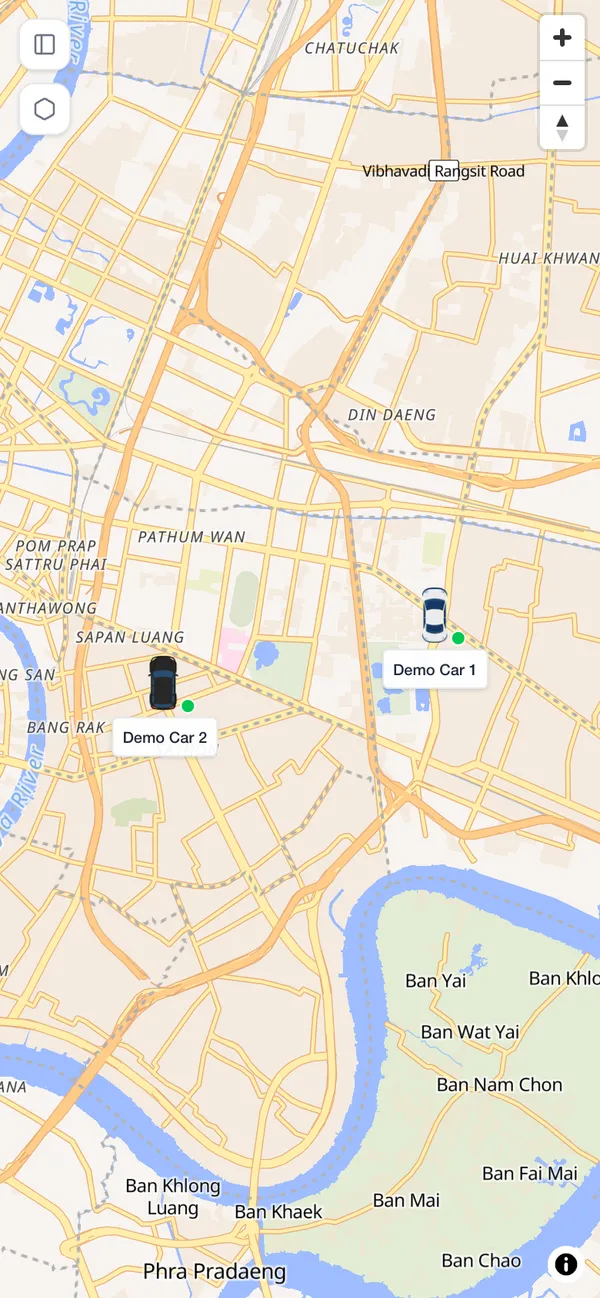
The Fleet tab opens on a map showing your vehicles' locations in real time. Tap a vehicle to see its details.
Last updated: 2026-10-05
Reading the map
The Fleet tab opens on a map. It shows the current location of the vehicles linked to you, updated in real time.
Opening a vehicle’s details
Tap a vehicle on the map to open its details panel. From there, you can also switch it to Parked. See Using Parked mode for details.