
HELP CENTER
Checking a vehicle's route history
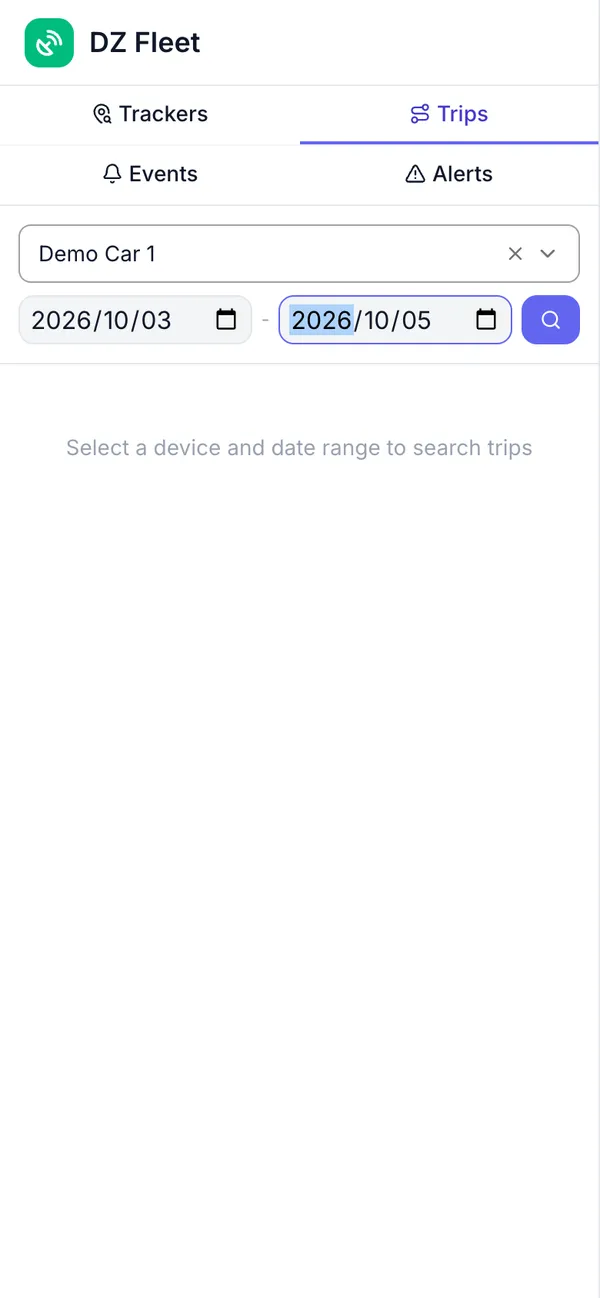
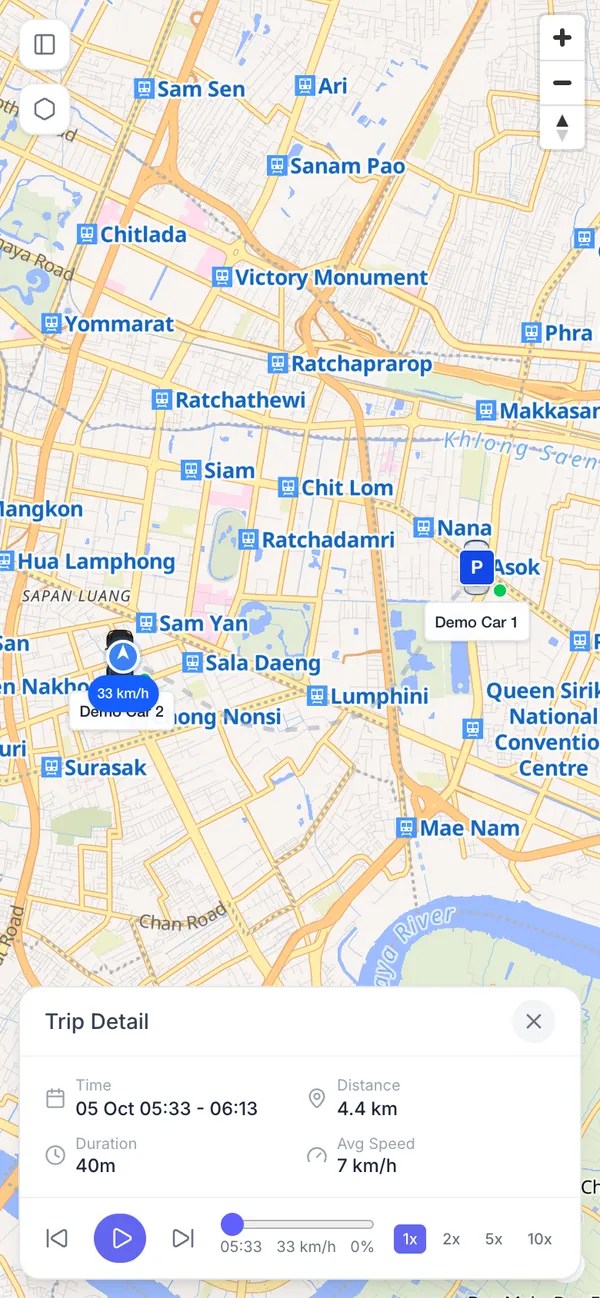
In Trips, select a vehicle and a date range, then search to see the routes it drove during that period on a map. History goes back up to a year.
Last updated: 2026-10-05
What Trips shows
Trips lets you view a vehicle’s past routes on a map.
How to use it
- Choose a vehicle from “Select tracker…”.
- Pick the start and end date of the period you want to check.
- Search, and the routes driven during that period appear on the map.
How far back you can go
You can view history going back up to a year.