
HELP CENTER
For Company Staff: Using DZ Fleet
Company staff sign in to the DZ Fleet web console with a login ID and password issued by DriveZ. From there you can check your contracted vehicles' locations, history, and alerts.
Last updated: 2026-10-05
Signing in
Company staff sign in to the “DZ Fleet” web screen using a login ID and password issued by DriveZ. The screen is in English.
Menu overview
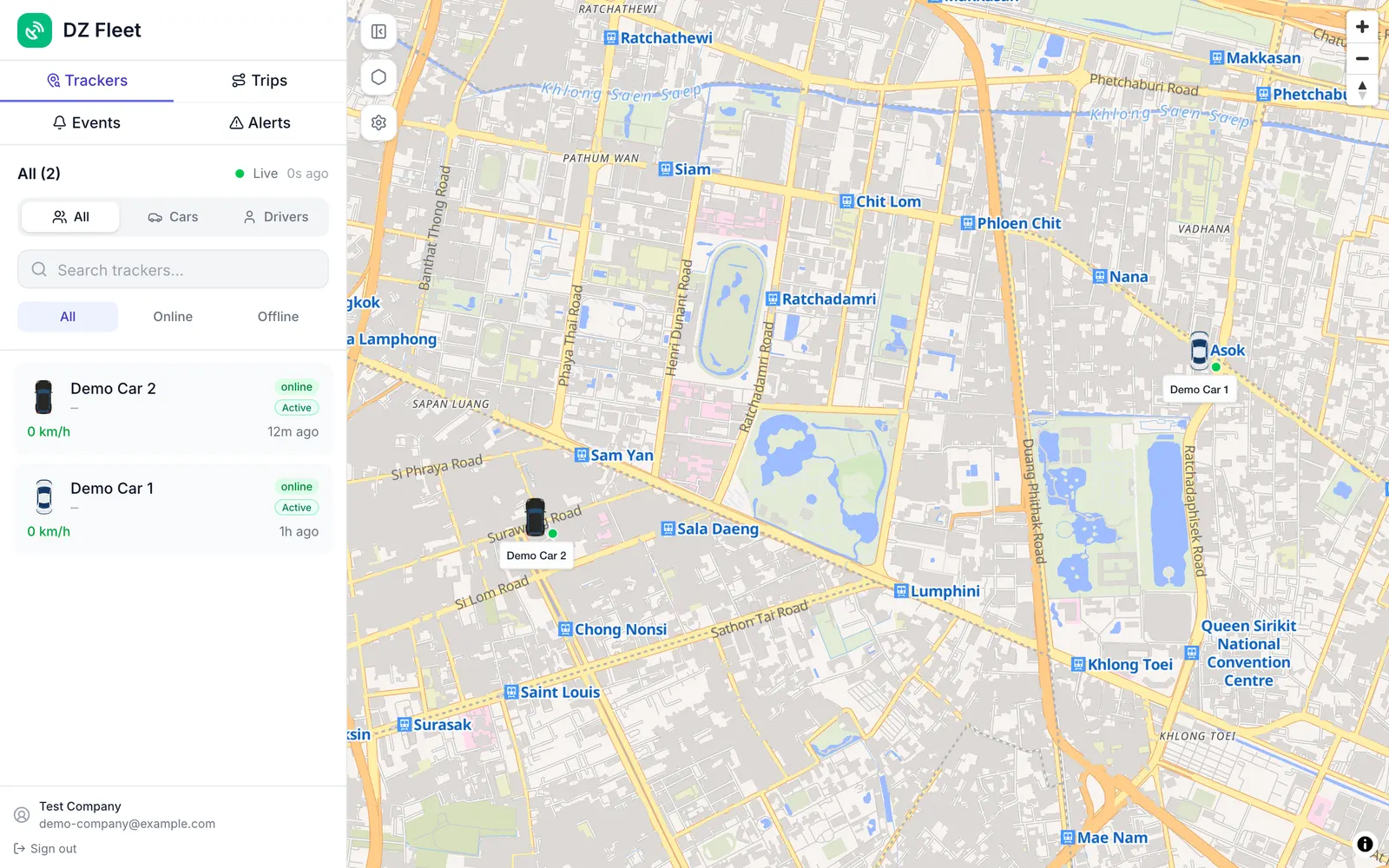
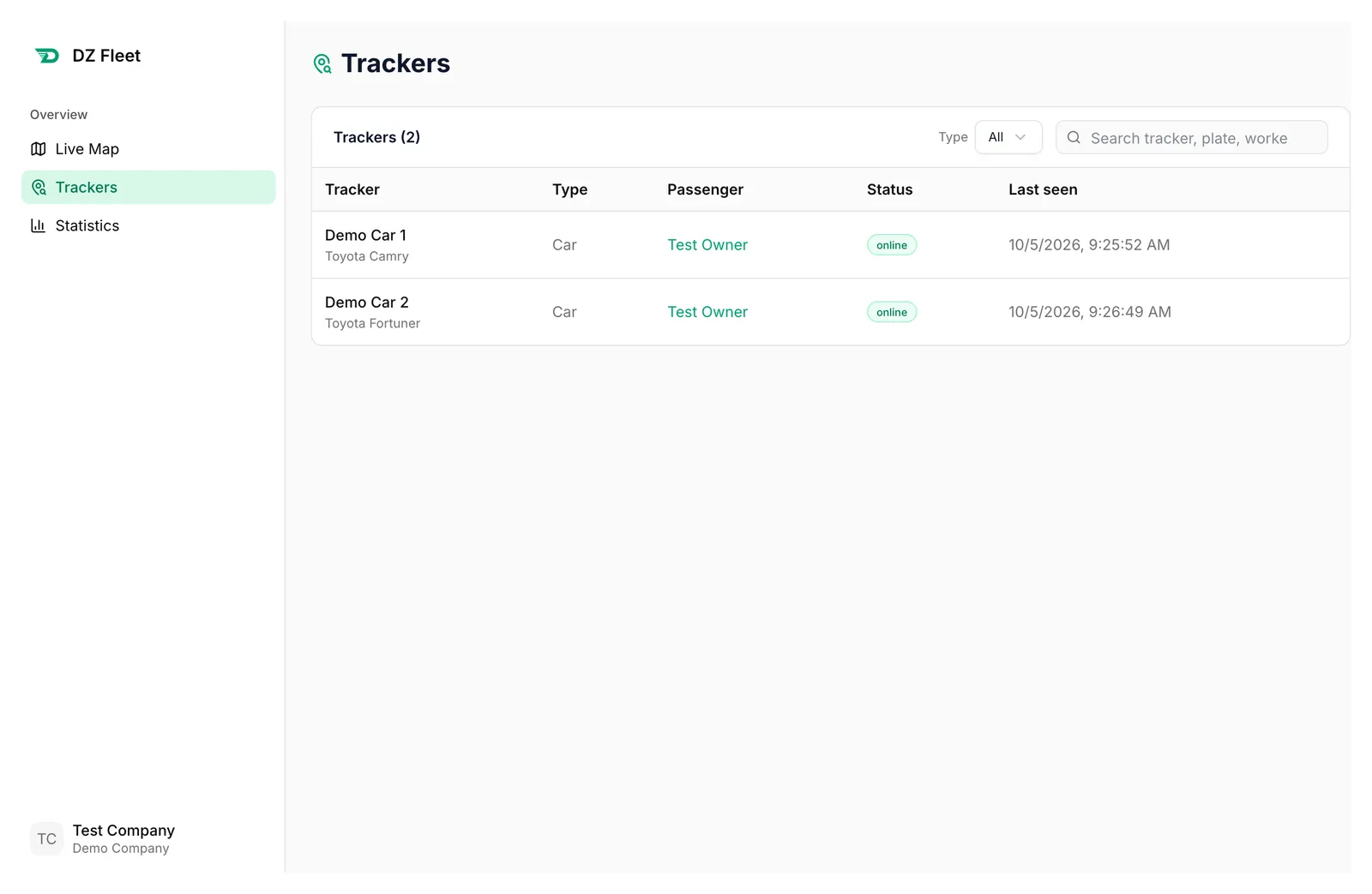
Once signed in, you have Live Map, Trackers, and Statistics.
- Live Map: shows the real-time location of your contracted vehicles.
- Trackers: lists your vehicles.
Alerts on your contracted passengers’ vehicles also show up here.
About Parked mode
Only passengers can switch a vehicle to Parked. Company staff can’t set it from the web console.