
HELP CENTER
Announcements: posting and reading
Announcement is how company-wide notices are sent. Company staff post them, and passengers and drivers can read them.
Last updated: 2026-10-05
What Announcement is
Announcement lets you send a notice to all of your company’s passengers and drivers at once.
For company staff: how to post one
- Click the speech-bubble icon for Announcement
- Enter your message and send it
You can see who has read each announcement you post.
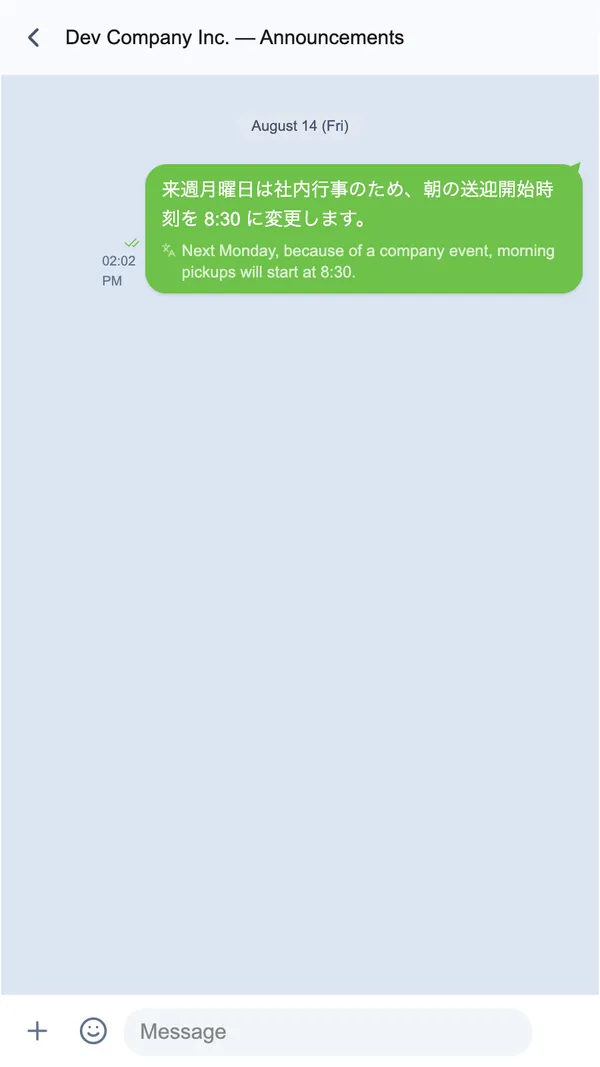
For passengers
You can read announcements sent to you, but you can’t reply to them. If you need to discuss something individually, use your chat with your driver instead.