
HELP CENTER
Changing the display language
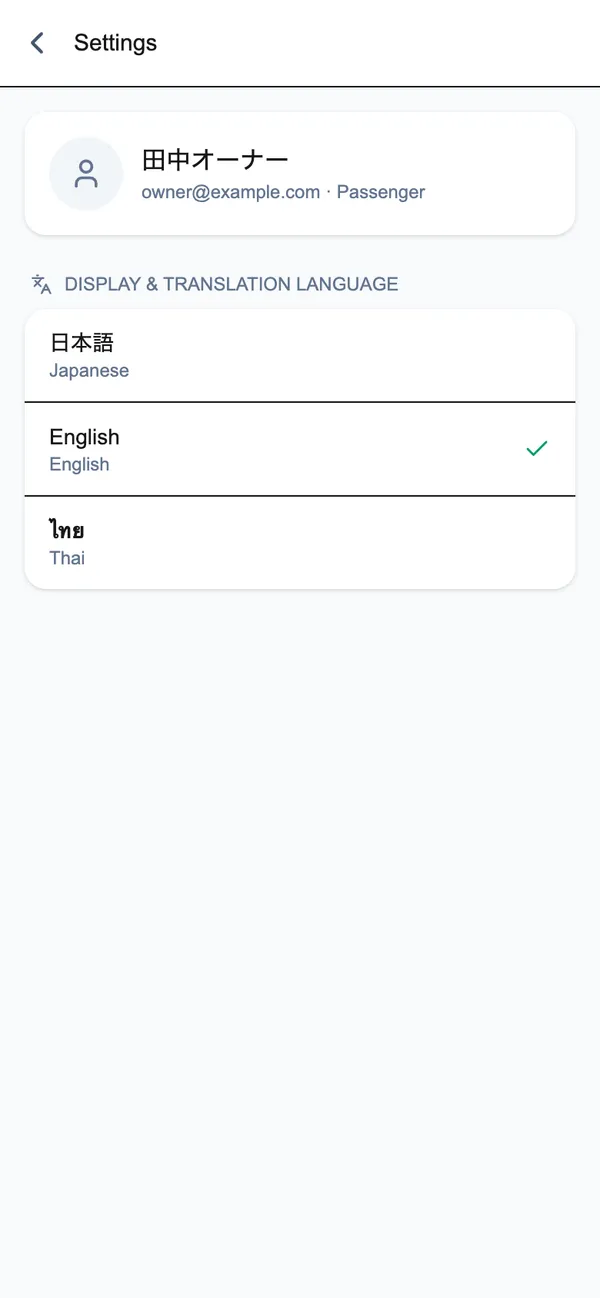
In Settings, "Display & translation language" lets you choose 日本語, English, or ไทย.
Last updated: 2026-10-05
How to change it
- Open Settings
- Under “Display & translation language”, choose 日本語, English, or ไทย
The language you choose is used both for the screen’s display language and for the language your chat messages are translated into.
Signing out
You can also sign out from the same Settings screen, using “Sign out”.